Monday, July 27, 2009

LG W2234S


I just recently purchased the LG W2234S widescreen LCD monitor. It was very nice, I could attach very easily to my existing PC.
I have just started using it, but after an hour usage I started to feel dizzy. I have never experienced such a problem with an LCD monitor before. I use 17" Dell monitor at my workplace and watching it 8-10 hours a day with NO problem.
So I switched back the LG to my old 19" CRT. After two days I decided to give it a try and started to use the LG again. Unfortunately nothing has changed, still have the dizzy feeling.
I do not know what's wrong with this LG monitor, I tried it in different settings, but got the same experience each time.
One thing I noticed is that I definitely have this feeling when I'm reading text on white background. However I have tried different white balance settings and changed the RGB scheme, still did not help.
Do you have similar experience with this monitor? I'm interested in the solution of this problem. Any suggestions?

Friday, June 20, 2008

Shooting Lightning

Hi All,

I just wanted to share my experiences on how to shoot lightning.
First please find a couple of pictures I took recently.
All of the pictures were taken using Nikon D50, with 18-55mm kit lens or the 18-105mm.

You can find more pictures on my picasa albums
http://picasaweb.google.com/nagybela75/Lightning2010#
http://picasaweb.google.com/nagybela75/Lightning02#
http://picasaweb.google.com/nagybela75/Lightning#


Shooting information
Exposure time: 10s
F-Number: f/22
Focal Length: 18mm
ISO: 200
Exposure program: Manual


Shooting information
Exposure time: 15s
F-Number: f/7.1
Focal Length: 31mm
ISO: 200
Exposure program: Manual


Shooting information
Exposure time: 15s
F-Number: f/10
Focal Length: 31mm
ISO: 200
Exposure program: Manual


I hope you like these pictures, so please see how to make similar shots
  • Always use tripod
  • ALWAYS use manual program mode
    • using any of the automated mode or the semi-manual mode, like shutter priority (S) or aperture priority (A) will overcompensate your shots
    • when shooting lightning we need to keep in mind that the flash of lightning is very intensive, so we need to set our camera for this amount of light
    • also keep in mind to adjust the Manual settings according to the light changes, especially if you started you shots at sunset. So for example you start with 1sec@8mm at sunset it might be too dark after a half an hour or an hour, so you have to slow your shutter
    • When changing the Manual settings I prefer increasing the F-value to keep the Shutter speed constant
  • Set the Shutter speed between 10-20 sec
    • if you set too long time, then there could be more flash of lightning on the picture OR too much light will get to the sensor which will burn the picture OR you just simply miss a flash of lightning becasue you wait too much between shots
    • if you set too short shoot time you can miss a flash of lightning too OR you don't have the chance to capture the flash totally
  • Set the sharpness and fix itfocuse on an object, like the roof of the house, then set the camera/lens to manual focus
    • by doing this you will save lot of time between shots (and even during the shot), because you don't need to focus each time
  • Turn the camera's image preview OFF - this saves time between shots
  • Use the camera's self timer or a remote control to prevent camera shaking
    • I use an IR remote control, and set the camera either in Bulb mode or select 10 to 20 sec shutter speed
Some thoughts/experinece about the weather:
  • Since we are shooting between 10-20 seconds we have plenty of time to observe the other parts of the sky.
    So when shooting always look around, because it is possible that as the storm moves away you will see lightning on the other parts of the sky
  • Watch for the wind
    • if you feel that the direction or the strenght of the wind changes then you can probably predict where the next lightning will happen
  • Listen to the sound of the thunder
    • if it becomes quiet then the storm probably moves away and the chance for a great lightning drops
    • if it becomes louder then this is probably a good sign more lightning can be expected
Important thing to remember: the timing is important, so try to reduce the time to the minimum between shots.

I hope this short description was useful for anyone who wants to shoot lightning. I did not want to cover here how to use your camera, you can find a lot of articles of this kind on the internet.

Also please feel to comment or if you have similar shots or you have already published your experience on this topic then please share with us here. Many Thanks!

Sunday, April 02, 2006

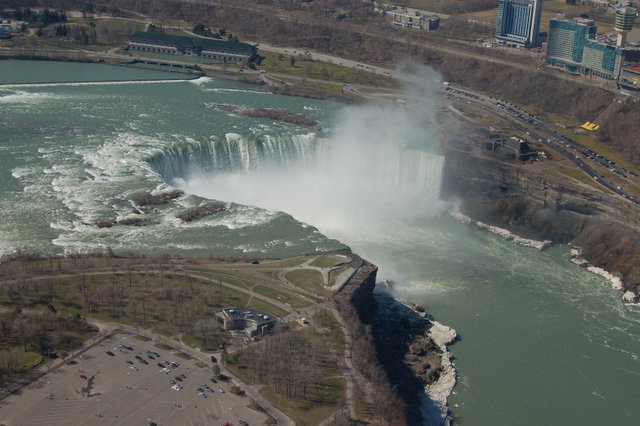
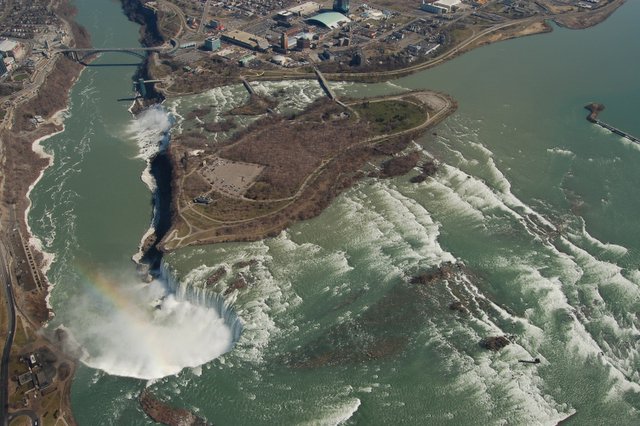
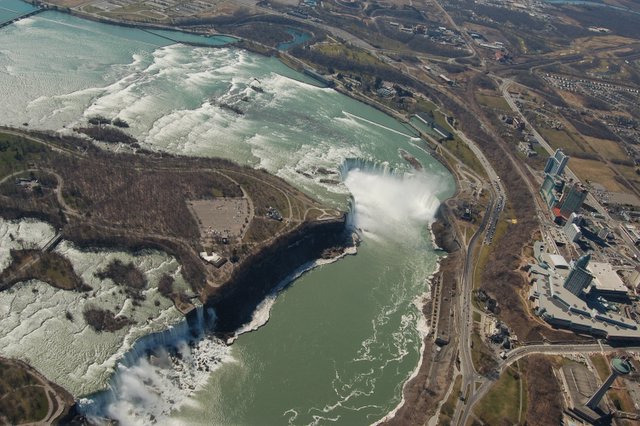
Ready for the Helicopter Ride!


It is WORTH the Money!!

Check the pictures below taken from this Helicopter! Posted by Picasa

This is Canada

 Posted by Picasa

Niagara Falls


Horseshoe Falls Posted by Picasa

Niagara Falls


Horseshoe Falls Posted by Picasa

Niagara Falls


Horseshoe Falls Posted by Picasa

Niagara Falls

 Posted by Picasa

Niagara Falls

 Posted by Picasa

Niagara Falls


Horseshoe Falls Posted by Picasa

Niagara Falls


Bridge between U.S.A and Canada Posted by Picasa

Niagara Falls


Bridge between U.S.A and Canad (US is on the right side of picture) Posted by Picasa

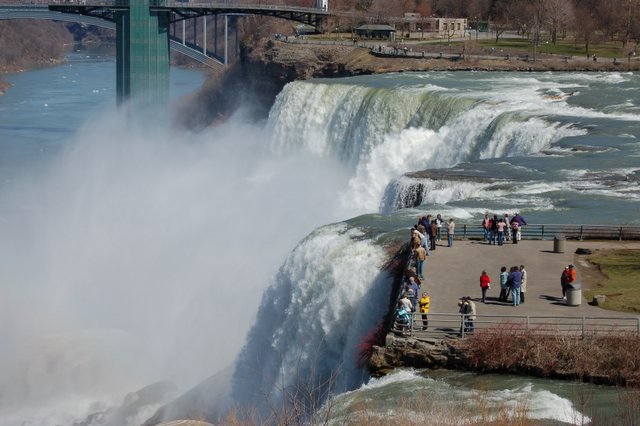
Niagara Falls


US side Posted by Picasa

Niagara Falls

 Posted by Picasa

Niagara Falls

 Posted by Picasa

Squirrel - Pose Just for You! 2


Picture was taken at Niagara Falls State Park Posted by Picasa

Squirrel - Pose just for you!


Picture was taken at Niagara Falls State Park Posted by Picasa

Friday, March 31, 2006


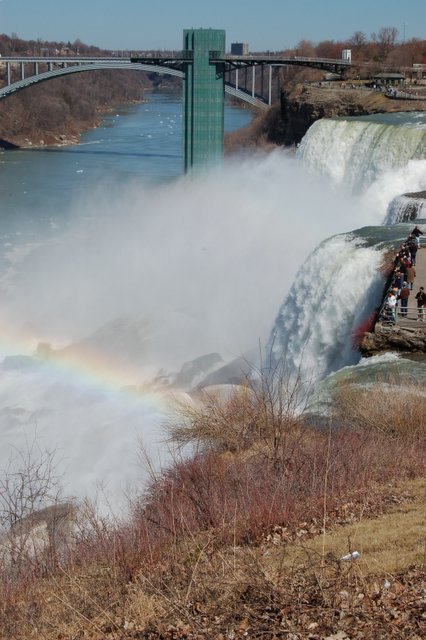
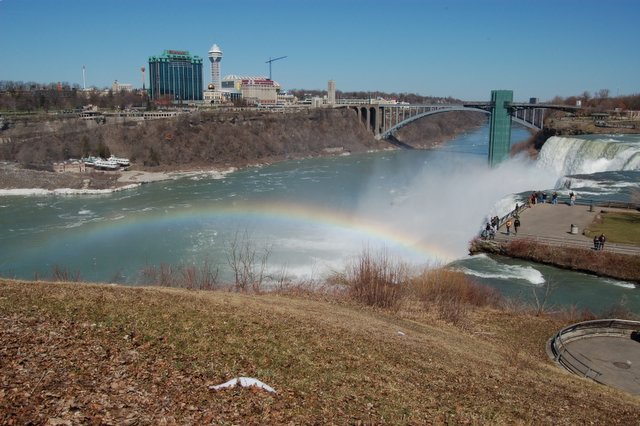
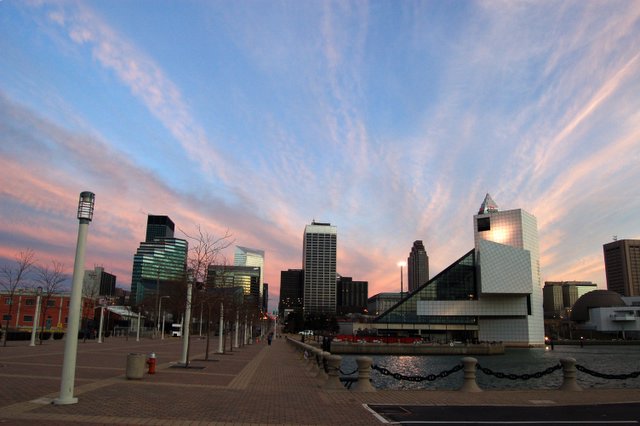
Picture was taken with the New Nikon D50 w/ the DX lense Posted by Picasa

Picture was taken with the New Nikon D50 w/ the DX lense Posted by Picasa

Picture was taken with the New Nikon D50 w/ the DX lense Posted by Picasa